How to find out who鈥檚 behind a 'No Caller ID'
How to find out who鈥檚 behind a 鈥楴o Caller ID鈥�
Caller ID has been around for a surprisingly long time 鈥� the initial patents , with commercial use starting in 1984. And for most of us, it would feel strange to pick up a call without knowing who鈥檚 on the other end, or at least, what their number is.
Nowadays, almost any incoming call is going to have caller ID on by default, but that doesn鈥檛 stop some from popping up as If you keep getting these calls and want to get to the bottom of who鈥檚 behind them, shares what you need to know.
Using *69 To Identify the Last Incoming Call
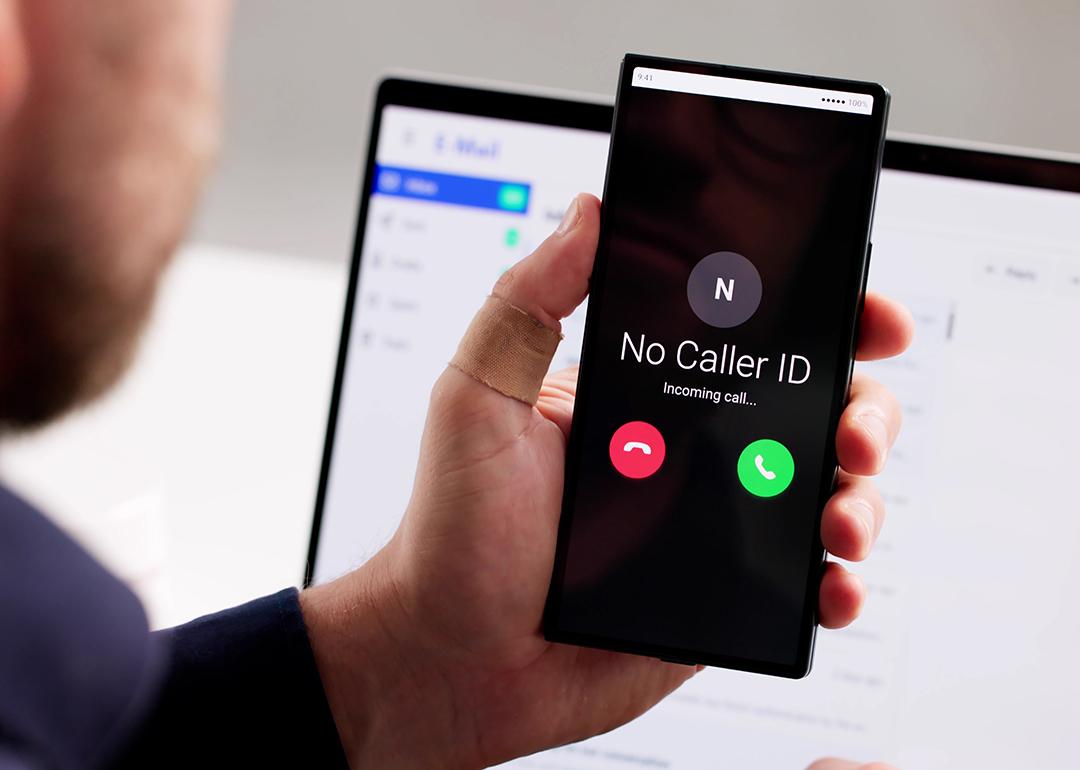
The first thing you鈥檒l need to pay attention to is what your phone said when the call came through. If a call comes through to your phone with no name or number, your first and easiest option is going to be using *69, which triggers the return-last-call feature.
How to use *69:
You鈥檒l simply want to dial *69 on your phone and press call.
By dialing *69, some telephone systems will prompt an automated response that reads you the number of your last incoming call and then offers you the option of calling back. Note that other carriers, however, will simply connect you directly to the number that phoned you last. This may be a deterrent for some people, as you risk automatically being put on a call with someone you likely don鈥檛 know. An additional downside to using *69 is that it only works for the last incoming call, so it鈥檚 ineffective if you鈥檝e received another call at some point after the 鈥淣o Caller ID.鈥�
Using *57 To Trace Calls
If you鈥檝e been receiving harassing or threatening phone calls or , the *57 service code provides another way to find out who called you. Note this feature is known as call trace and is often pay-per-use, meaning that your service provider will charge you a certain amount upon use. Running a *57 trace can cost anywhere from $1 to $10 and is generally only charged if the call trace is successful, though that can vary depending on your provider.
How to use *57:
To use the service, dial *57 right after you receive the call and press call. Follow the phone company鈥檚 voice-prompt instructions and wait to see if the trace was successful. A recorded message will let you know. It won鈥檛 always work, but it鈥檚 worth a try if you鈥檙e being harassed.
Note that by dialing *57, you won鈥檛 be directly given any information; rather, your service provider will keep a record of who called and release the information to law enforcement should you contact your local authorities to follow up on the call. Again, this feature isn鈥檛 free, and is best used when you are being harassed, threatened, or in some way targeted, rather than just out of curiosity鈥檚 sake.
Enable Call Identification and Blocking
Caller ID is pretty much a default setting with modern cell phones. But if every call you receive (minus the ones from your contacts) appears to be a mystery, it鈥檚 worth double-checking that you have certain caller ID features enabled, as well as some call blocking features.
How to Enable Call Identification on iPhone:
- Open your settings.
- Select 鈥淎pps.鈥�
- Find the 鈥淧hone鈥� app on the list and select it
- Scroll down and select 鈥淐all Blocking & Identification.鈥�
- Turn 鈥淏usiness Call Identification鈥� to 鈥淥n.鈥�
- Bonus: You can also reduce annoying spam calls by enabling 鈥淪ilence Junk Callers鈥� in the same menu.
Note that you can also enable 鈥淪ilence Unknown Callers鈥� from the same menu after step 3, but it isn鈥檛 advisable since it might block completely legitimate calls, nor will it help you find out who keeps calling.
How to Enable Call Identification on Android:
- Open the Phone app.
- Select 鈥淢ore options鈥� (it might also just appear as three vertical dots).
- Select 鈥淪ettings.鈥�
- Select 鈥淐aller ID and Spam.鈥�
- Turn 鈥淪ee caller ID & spam鈥� to 鈥淥n.鈥�
- Bonus: On some phones, you can also limit spam calls by enabling 鈥淔ilter spam calls鈥� in the same menu (certain phones will have this as part of an automatic Call Screen feature, so don鈥檛 worry if you don鈥檛 see it).
Contact Your Service Provider
If no built-in phone features seem to be helping, and *57 isn鈥檛 returning any successful traces, a last resort could be to contact your service provider directly. It鈥檚 not a guarantee they can help, but in the case of severe spam or harassing calls, working with your service provider might help shed some light on who鈥檚 on the other end of the line 鈥� or at the very least, help find an identifiable phone number.
was produced by and reviewed and distributed by 黑料社.